
For rental companies, owners and campsites
List campers and campsites on Campigo. For free.
Create an account in two minutes, set your own prices and rules, and let the system handle bookings, deposits and payouts. You only pay when someone actually books.
What it costs
Simple, with no surprises.
Sign-up and account. No set-up fees.
Adding listings, with no limit on the number of campers, campsites or pitches. No subscription.
You only pay on a completed booking, deducted from the payment before payout. The rate is in the Terms of Service.
Read the Terms of ServiceWhat you get after signing up
Everything you need to run your rentals without spreadsheets and phone calls.
Your own prices and seasonal rates
Set a nightly rate and separate prices for peak season, weekends and holidays.
Add-ons for your listing
For example bikes, kayaks or kitchen sets. Each add-on has its own price and guests pick them when booking.
Your own cancellation rules
Choose the refund policy for your listing and the system calculates what to return to the guest.
Deposit held on the card
A deposit is a hold, not a payment. After the return you release it or charge it for damages.
Deposit and balance payments
For distant dates a guest pays a deposit and the rest before the trip. We send the reminders for you.
Calendar and blocked dates
See every booking and block dates for servicing or your own trip. Nobody can book a taken date.
Discount codes
Create your own codes for regulars and promotions, with a usage limit and an expiry date.
Chat with the guest
The conversation sits next to the booking, so pick-up time and directions are agreed in one place.
Secure payments and payouts
Payments and payouts are handled by Stripe. The money reaches you 48 hours after the stay ends.
Verified guests
On a first camper booking the guest confirms their identity and driving licence.
Your whole fleet in one panel
Many vehicles and campsites in one place, with a sales statement you can download as a PDF.
Campsites with different pitches
Add pitch types with quantity, facilities and their own price, and the system tracks availability.
Guest reviews
After the stay guests rate your listing, and good reviews build trust with new guests.
Polish, English and currency conversion
Guests from abroad see your listing in English and in their currency, while you settle in one.
Who Campigo is for
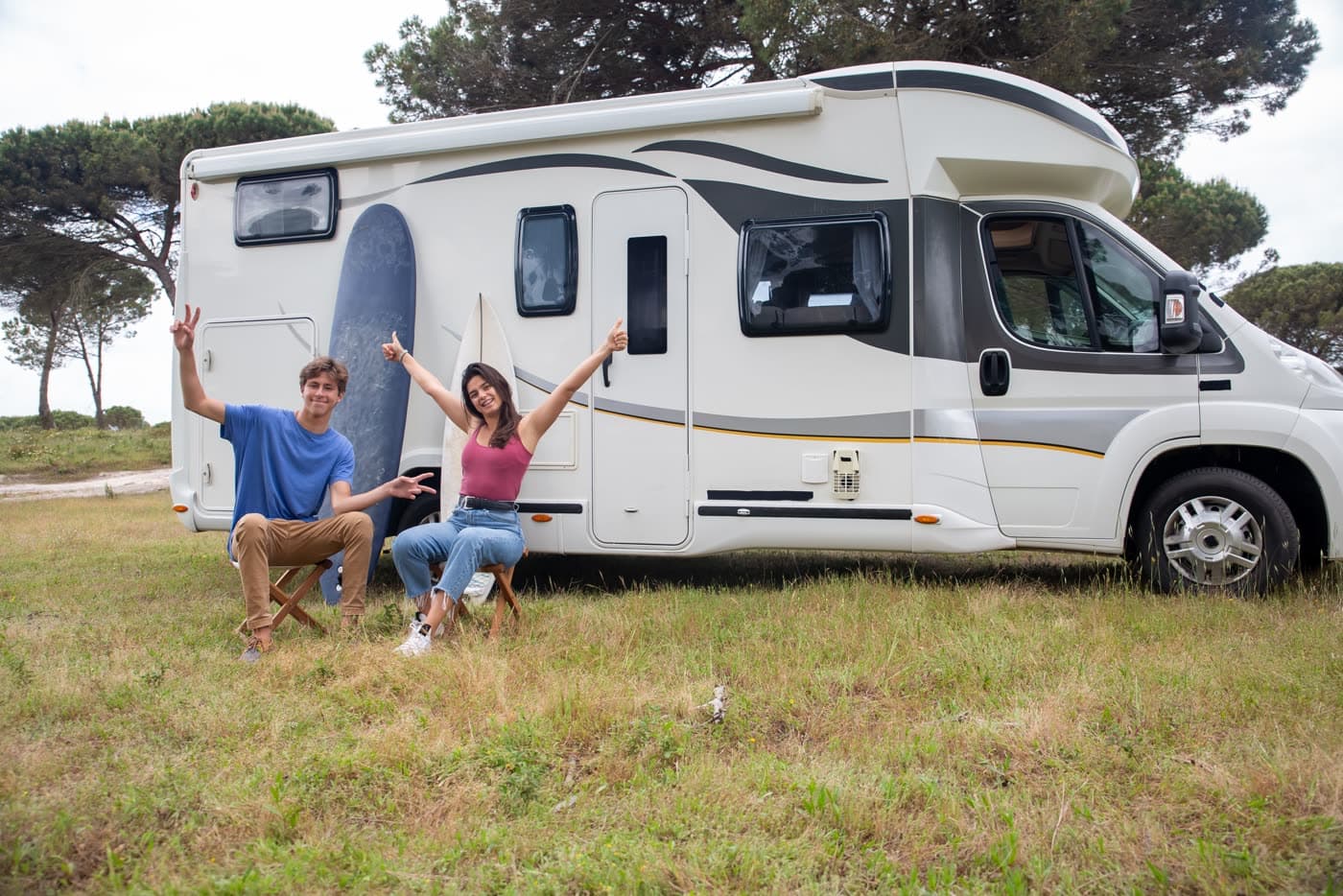
Camper rental companies
Your whole fleet, calendars, seasonal prices, deposits and sales statements in one panel.
See a sample listing
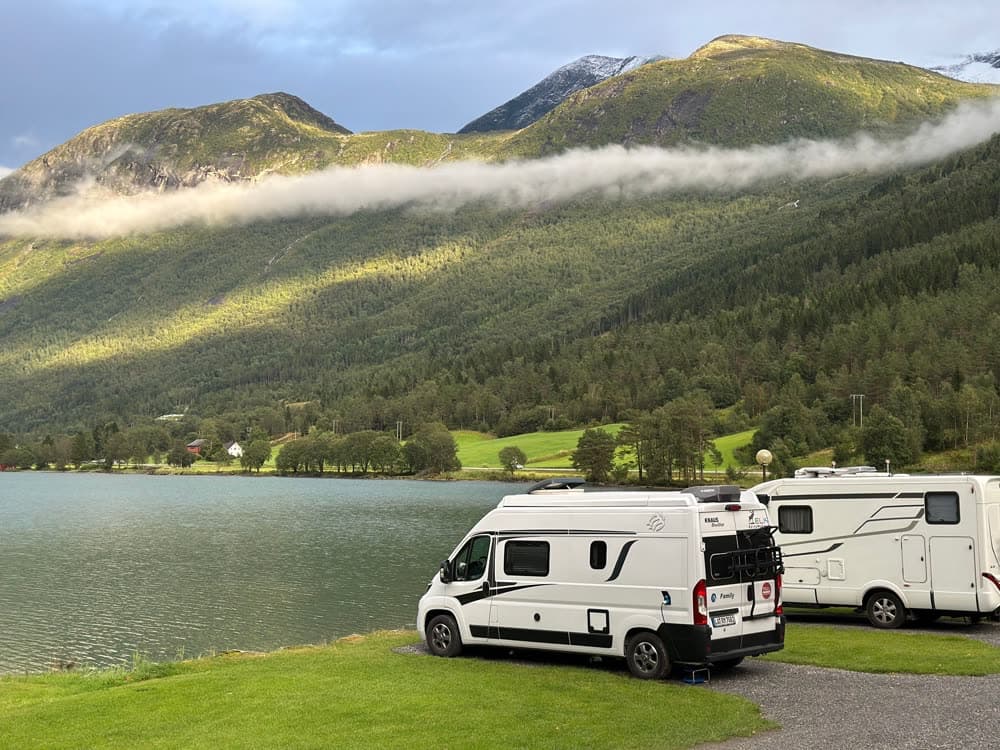
Private owners
List your camper while it sits at home, and decide when and to whom you rent it.
See a sample listing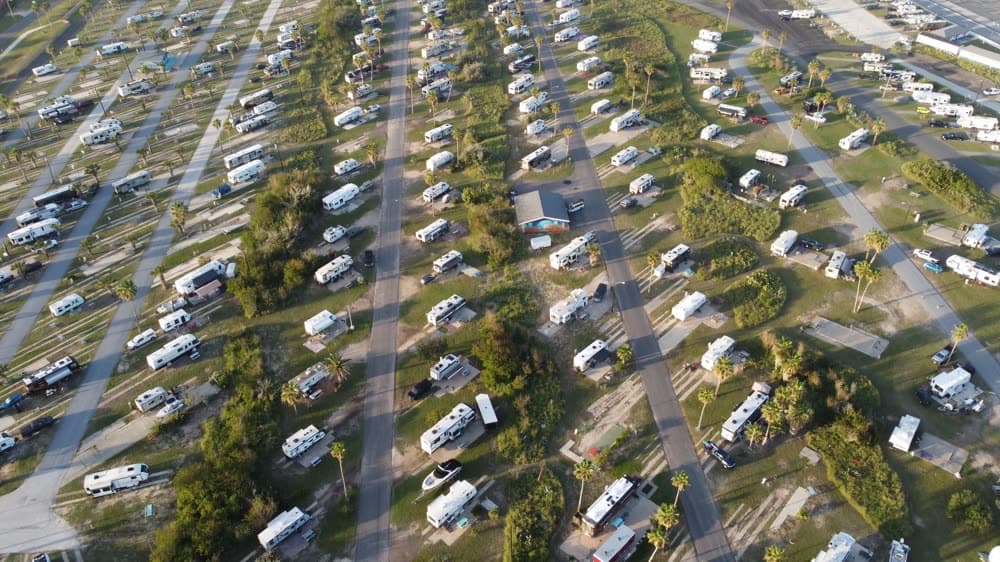
Campsites and camping fields
Show free pitches to camper travellers and take bookings online.
See a sample listingHow to start: 5 simple steps
- 1
Create an account
Choose the owner path and enter your name, email and a password.
- 2
Add your tax details
In Poland a PESEL or NIP number, in other countries a tax number in any format.
- 3
Get verified
Attach a photo of the vehicle registration or proof of location. We review requests within a few business days.
- 4
Connect payouts
Link the Stripe account that will receive the money for bookings.
- 5
Add your first offer
Photos, description, prices, deposit and cancellation rules. Once published, guests can book.
See how it works, step by step
Two minutes from sign-up to your first offer. The video has a voice-over and subtitles in seven languages.
Frequently asked questions
Do I really pay nothing for listings?
Correct. Sign-up and adding offers cost 0 zł / €0, with no subscription and no limit on offers. A commission only applies to a completed booking.
When do I get the money?
The payout arrives 48 hours after the stay ends, through Stripe, minus the commission.
Do I need a company?
No. You can rent as a private person or as a company. To add an offer we need a tax number (PESEL or NIP in Poland, any format elsewhere), because DAC7 rules require it.
In which countries can I receive payouts?
Online payouts work in European Union countries and Norway. We are working on more countries.
Do I decide on prices and terms myself?
Yes. Prices, seasonal prices, add-ons, deposit, cancellation rules and availability are yours, and you can change them at any time.